Course Overview
Drone light shows use coordinated fleets to create aerial formations, text, and animated scenes. This course centres on Skybrush as the show-design and playback toolchain, including how trajectories are authored, validated, and taken to a live operator workflow. Learners look at formation spacing, take-off and landing patterns, lighting cues, and the operational steps needed to rehearse a show. Practical work focuses on Skybrush Studio and Skybrush Live concepts rather than a specific airframe brand. The course does not authorise public-event flying, replace aviation permissions, or confer manufacturer certification.
This course introduces professional drone light-show workflows with Skybrush, covering show design, formation safety, and live playback practice.
Learning Outcomes
After working through this course, learners should be able to:
- Describe how drone light shows are planned, designed, and flown as a coordinated fleet.
- Use Skybrush concepts to author formations, trajectories, and lighting cues.
- Check spacing, timing, and geofence constraints before playback.
- Outline a Skybrush Live rehearsal and show-delivery workflow.
- Recognise safety, airspace, and site limits for light-show operations.
Course Curriculum
The curriculum is organised into modules. Lesson content will be delivered in a later learning platform phase.
Module 1 — Introduction to Drone Light Shows
- Course Preview
- Equipment
- Installation
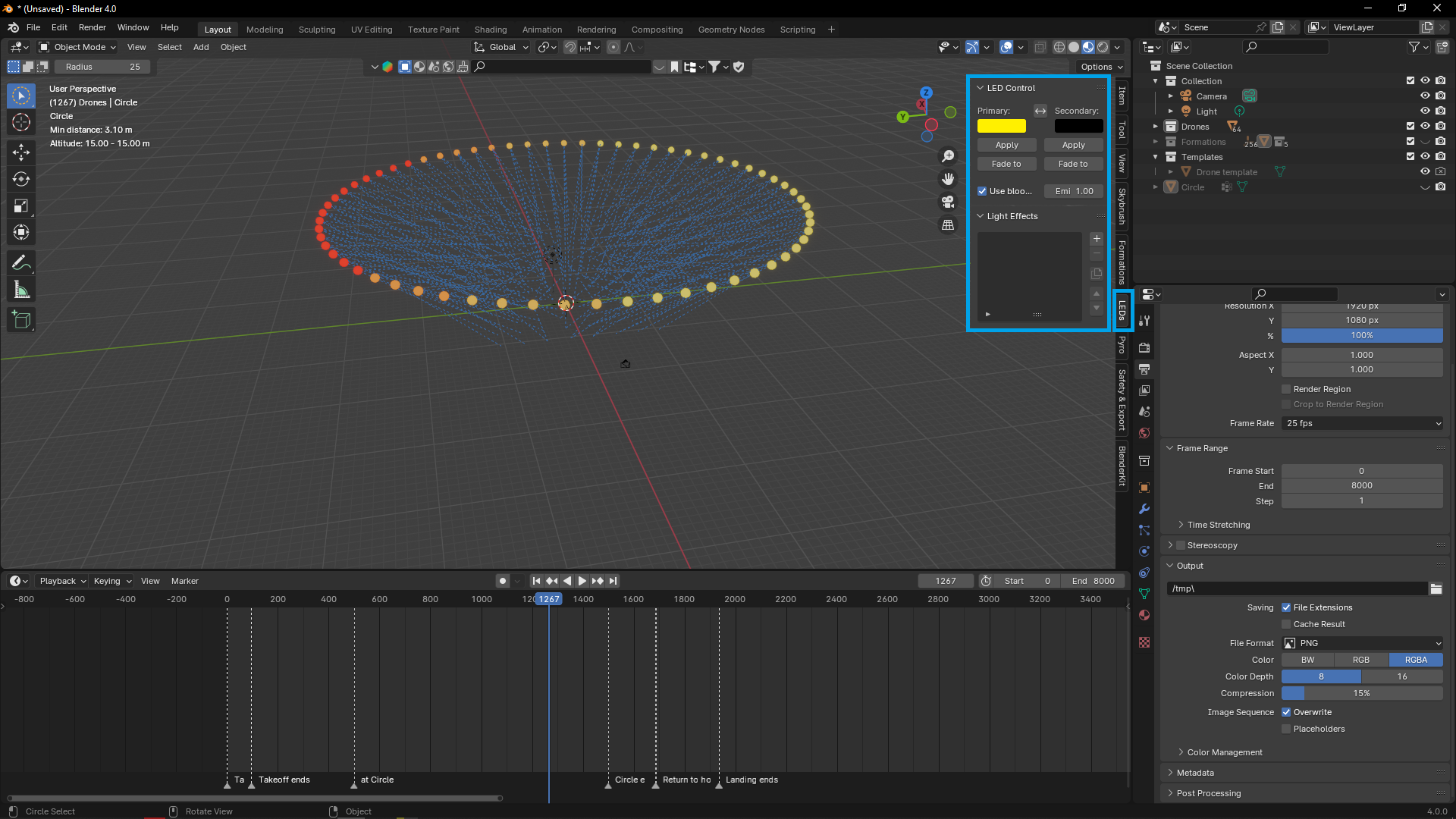
- Skybrush Studio for Blender
Module 2 — Skybrush Studio and Show Design
- Skybrush Studio as the design environment
- Building formations, trajectories, and light cues
- Previewing and reviewing a show before export
Module 3 — Safety, Spacing, and Mission Constraints
- Separation, take-off pads, and recovery patterns
- Geofences, no-fly buffers, and site survey
- Validating a show file before rehearsal
Module 4 — Skybrush Live and Playback
- Skybrush Live operator workflow
- Rehearsal, hold, abort, and recovery practice
- Lighting, telemetry, and show-clock coordination
Module 5 — Show Delivery Practice
- From design file to on-site execution
- Crew briefings and contingency planning
- Practical Skybrush show workflow review
Where This Technology Is Used
- Public and private light-show events
- Brand and stadium displays
- Festival and celebration programming
- Show design and pre-visualisation
- Live fleet playback and rehearsal
Requirements
These are suggested starting points, not official institutional entry requirements.
- Basic computer literacy
- Interest in drone operations, show design, or Skybrush
- Familiarity with basic technical concepts may be beneficial
Who Is This Course For?
- Show designers and operators
- Drone operators working with fleets
- Event and entertainment technicians
- Learners exploring Skybrush-based light shows
Request Training
Submit a training request. Our team will review it and contact you with availability and a quotation.